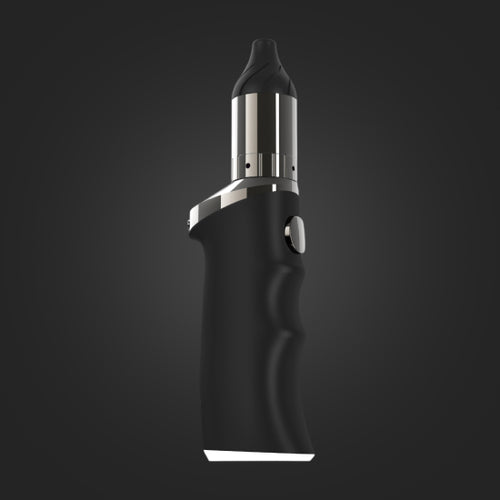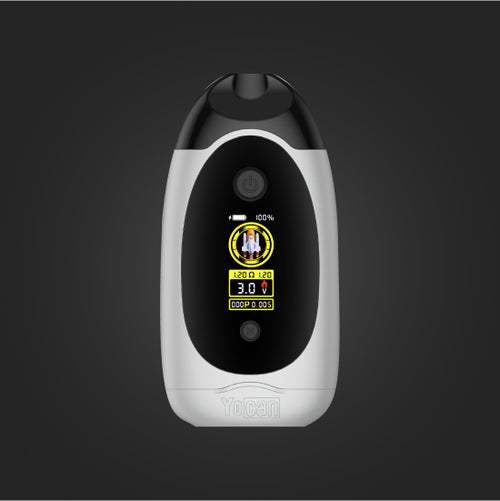
















Yocan Black Pocket Full Travel Kit Manual

How to Charge the Yocan Black Pocket Travel Case
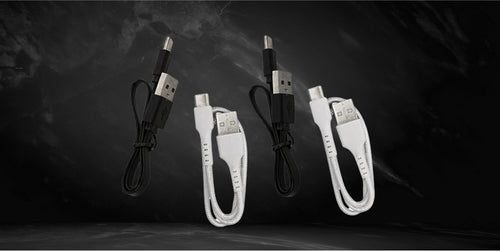
- Take the included charging cable.
- Plug the cable into a wall charger or your computer’s USB port.
Note: The charging port is located at the bottom of the device.
Powering the Yocan Black Pocket Travel Case
- Make sure the battery is fully charged.
- Press the power button five times quickly to turn the device on.
- Press the power button another five times quickly to turn the device off.
How to Load the Yocan Black Pocket Travel Case
- Turn the device on.
- Lift the cap cover to access the chamber.
- Load a dollop of wax concentrate using the included dab tool.
- Drop the included terp pearls into the chamber for better results.
- Close the cap cover securely after loading.
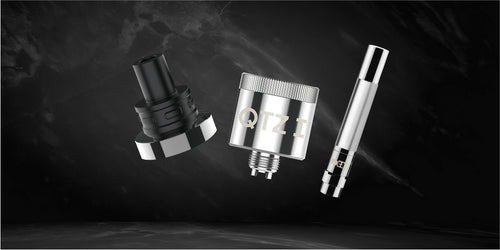
How to Change the Coil
- Power the device off.
- Lift the tethered cap to access the chamber.
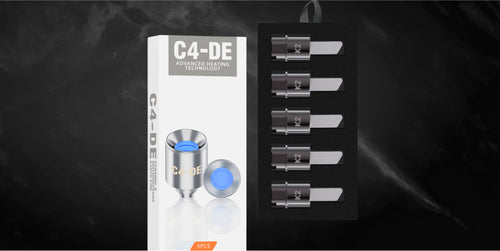
- Remove the old coil.
- Replace it with a new coil.
- Secure the tethered cap back into place.
Note: The Yocan Black Pocket Travel Case comes with the newest Cloud 3.1 coil, which offers improved performance over its predecessor.
How to Adjust the Temperature
- Power the Yocan Black Pocket Travel Case on.
- Press the power button three times to enter Temperature Mode.
- Press the button once to adjust the temperature level.
- Release the button once your preferred temperature is selected.
Note: The Yocan Black Pocket Travel Case allows temperature adjustment in one-degree increments.
How to Access Standard (STD) or Eco Mode
- Make sure the Yocan Black Pocket Travel Case is powered on.
- Press and hold the power button for five seconds.
- Wait for the mode to toggle between Standard (STD) and Eco mode.
- Release the button once your preferred mode is selected.
Storing the Yocan Black Pocket Travel Case
- Make sure the device is powered off before storage.
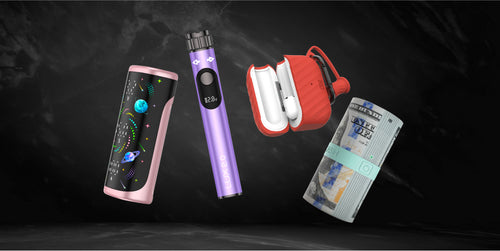
- Place the Yocan Black Pocket Travel Case into its dedicated compartment.
- Store the included charging cable in its designated slot.
- Use the elastic band to secure the contents and prevent clutter or accidental drops.
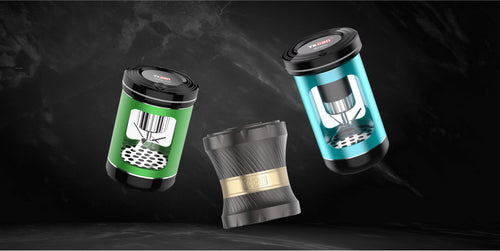
- Do the same for the included wax jars.