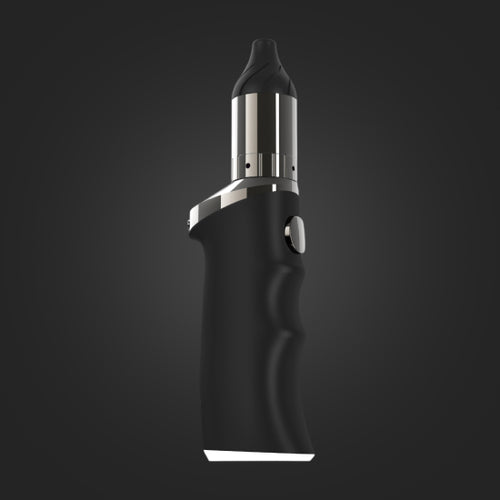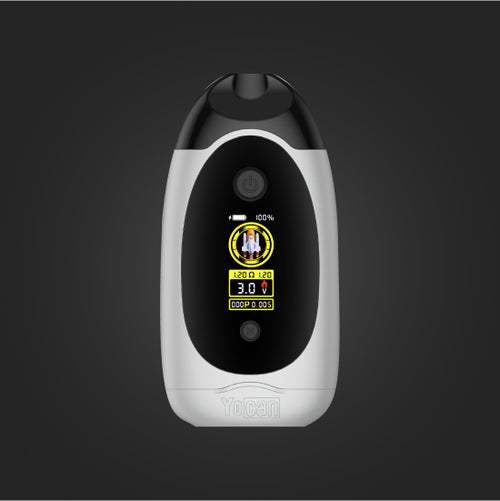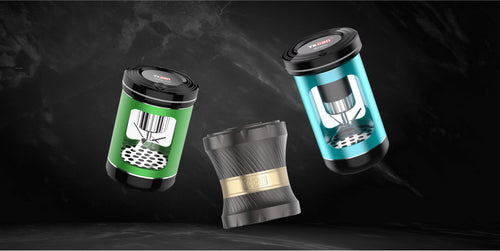





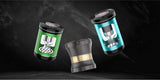










Yocan Black Pocket Mini Dab Pen Vaporizer Manual

Charging the Yocan Black Pocket Mini Concentrate Vaporizer
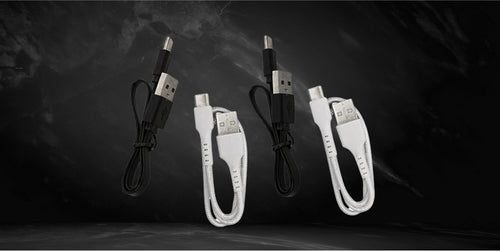
- Make sure to use the USB Type-C charging cable included in the packaging of the Yocan Black Pocket Mini Concentrate Vaporizer.
- Connect the USB charging cable to a wall adapter and plug the wall adapter into a wall outlet.
- Take the other end of the charging cable and connect it to the Yocan Black Pocket Mini Concentrate Vaporizer.
Note: You can connect the charging cable to your computer or any compatible USB port to charge the Yocan Black Pocket Mini Concentrate Vaporizer. When charging, it is recommended that you clean the heating element, as the wax or oil might leak when the device is lying down.
Turning the Yocan Black Pocket Mini Concentrate Vaporizer On
- Make sure to fully charge the Yocan Black Pocket Mini Concentrate Vaporizer for best results.
- Press the power button of the Yocan Black Pocket Mini Concentrate Vaporizer five times quickly to power it on.
- Press the same power button another five times to turn the Yocan Black Pocket Mini Concentrate Vaporizer off.
Loading the Yocan Black Pocket Mini Concentrate Vaporizer
- Make sure that the Yocan Black Pocket Mini Concentrate Vaporizer is powered on.
- Lift the tethered cap to expose the heating element.
- Use a dab tool to scoop your concentrates and place them inside the chamber.
- Check and secure the included glass pearl stirrer.
- Reseal the tethered cap.
Selecting the Temperature Level for the Yocan Black Pocket Mini Concentrate Vaporizer
- Make sure that the Yocan Black Pocket Mini Concentrate Vaporizer is powered on.
- Select your preferred temperature level by pressing the power button three times to enter temperature adjust mode.
- Once in temperature adjust mode, press the button once to change the temperature by one degree.
- After selecting your preferred temperature level, simply release the button.
Note: The Yocan Black Pocket Mini Concentrate Vaporizer has precise temperature settings that range from 400°F to 580°F.
Maintenance and Cleaning of the Yocan Black Pocket Mini Concentrate Vaporizer
- Make sure to remove the cartridge of the Yocan Black Pocket Mini Concentrate Vaporizer.
- Turn off the Yocan Black Pocket Mini Concentrate Vaporizer by pressing the power button five times rapidly.
- Take a cotton swab and wipe the cartridge contacts clean.
- Use a dry paper towel to wipe the body of the Yocan Black Pocket Mini Concentrate Vaporizer clean.
- Follow the charging instructions and use the dedicated charging cable for the Yocan Black Pocket Mini Concentrate Vaporizer to avoid battery damage.
- Make sure to charge the Yocan Black Pocket Mini Concentrate Vaporizer before storing it for an extended period.
Note: Make sure to keep the parts dry before storing, as moisture may cause mold buildup and negatively affect the device. Use a dry paper towel or cloth after wiping the parts with a damp material to prevent mold from developing.