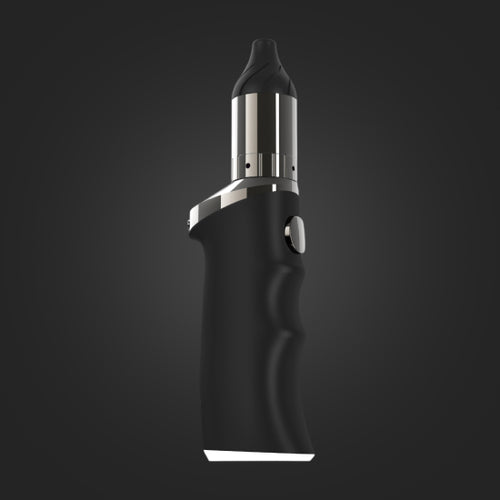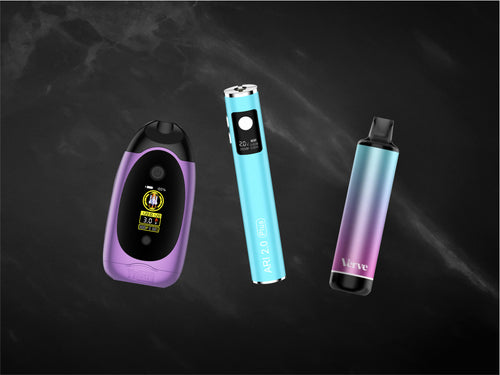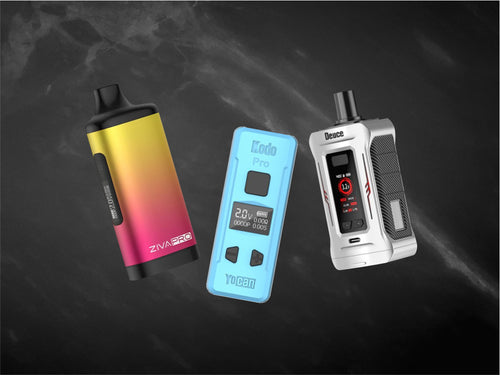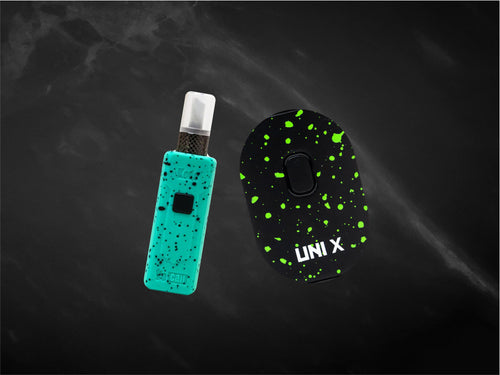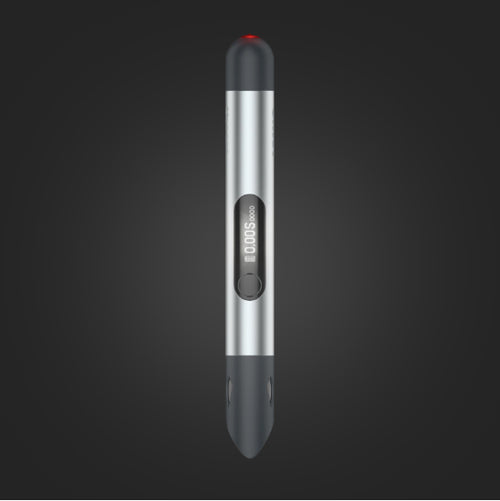



















Yocan HITO 510 Thread Battery Manual

Charging the Yocan Hito Series Dab Pens
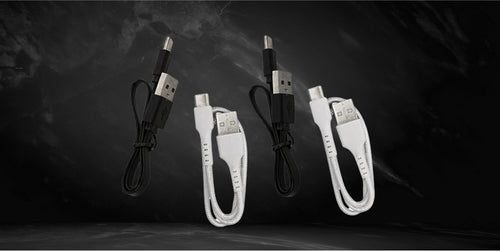
- Connect a USB Type-C charging cable to the charging port on the side of the device.
- Plug the other end into a wall adapter and connect it to a power outlet.
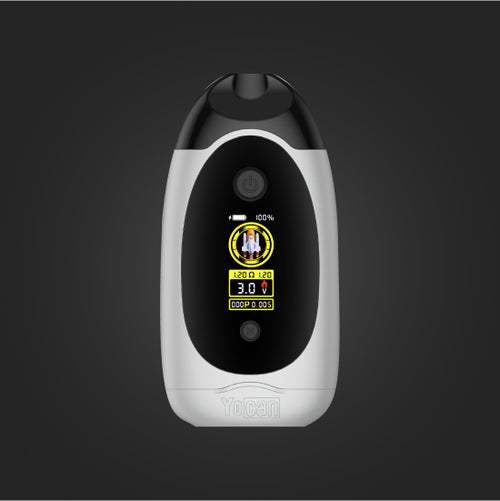
- Monitor the battery level on the display screen.
- Disconnect the charger once the battery is fully charged.
Note: The Yocan Hito Series Dab Pens do not include a charging cable. You may also charge the device through a computer, laptop, or gaming console with a USB port.
Powering the Yocan Hito Series Dab Pens
- Ensure the battery is sufficiently charged.
- Press the power button five times quickly to turn the device on.
- Press the power button five times again to turn the device off.
Note: The power button is located below the Yocan logo and features a glossy silver finish.
How to Change the Voltage Level
- Turn the device on by pressing the power button five times.
- Press the power button three times to cycle through the preset voltage levels.
- Check the indicator light to identify the active voltage setting.
- Stop pressing the button once your preferred voltage level is selected.
How to Load the Yocan Hito Series Dab Pens
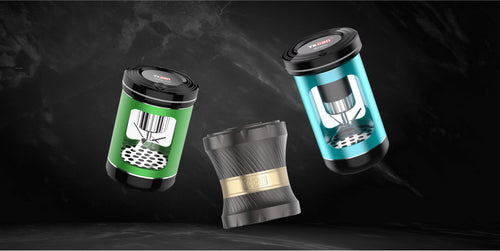
- Fill your refillable cartridge with oil before attaching it to the battery.
- Inspect the 510-threaded connection and remove any debris or obstructions.
- Attach the cartridge by twisting it clockwise.
- Stop tightening once you feel resistance.
- Install any additional cartridge accessories, such as a mouthpiece, if required.
Note: The Yocan Hito Series Dab Pens are designed for compatible 510-threaded oil cartridges. Always fill refillable cartridges before attaching them to the battery to avoid leaks and spills.
Maintenance and Cleaning
- Remove the cartridge from the battery.
- Turn the device off by pressing the power button five times quickly.
- Use a cotton swab to clean the cartridge contact points.
- Wipe the exterior of the device using a dry paper towel.
- Follow proper charging instructions to maintain battery health.
- Charge the device before storing it for extended periods.
Note: Ensure all components are completely dry before storage to prevent mold buildup and maintain optimal performance.