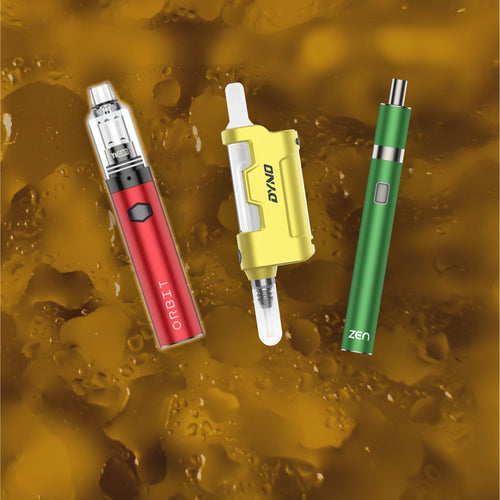




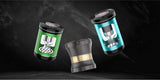










Yocan Orbit 2.0 Dab Pen Vaporizer Manual

Preparing the Yocan Orbit 2.0 Vaporizer Dab Pen
- Fully charge the battery before first use.
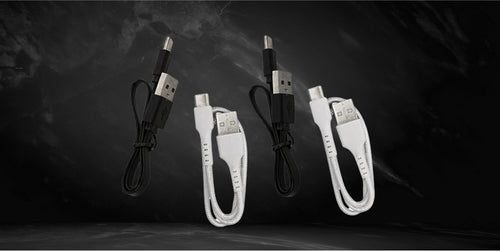
- Connect the USB Type-C cable to a wall adapter or computer.
- Insert the USB Type-C connector into the charging port beside the digital display.
- Wait until the battery is fully charged.
- Press the power button five times quickly to turn the device on.
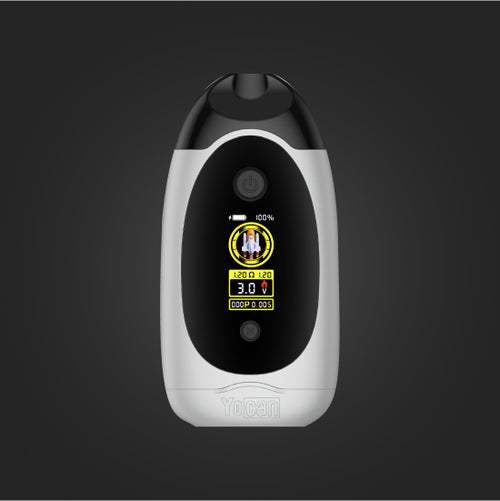
Note: The power button is the circular button located beneath the Yocan logo and above the digital display.
How to Load the Yocan Orbit 2.0 Vaporizer Dab Pen
- Prepare your preferred wax concentrates.
- Remove the glass mouthpiece and cover by gently pulling it away from the battery.
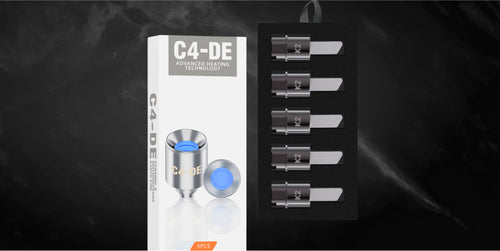
- Use the included dab tool to load wax onto the coil-less atomizer.
- Replace the glass mouthpiece and cover by gently pushing it back into place.
- Turn the device on if it is not already powered.
- Select your preferred temperature setting.
- The device is now ready for use.
Note: The glass mouthpiece is secured with O-rings. Twist gently when removing or replacing the mouthpiece to prevent dislodging the O-rings.
How to Vape with the Yocan Orbit 2.0 Vaporizer Dab Pen
- Ensure the battery is charged and the chamber is loaded.
- Press the power button three times to select your desired voltage level.
- Place your lips on the mouthpiece.
- Press and hold the power button to activate heating.
- Inhale gently while the device is heating.
- Repeat as needed until your material is fully consumed.
How to Change the Temperature Level
- Make sure the device is powered on.
- Press the power button three times to cycle through the preset voltage settings.
- Continue cycling until you reach your preferred level.
- Stop pressing the button and the selected setting will activate automatically.
How to Activate the Pre-Heat Function
- Power the device on.
- Press the power button twice quickly.
- Allow the device to warm your concentrates before vaping.
- Press the power button twice again to exit pre-heat mode.
Note: Pre-heat mode uses a low temperature to warm concentrates without fully vaporizing them.
Care and Maintenance
- Wipe the battery with a dry paper towel to remove dirt and residue.
- Disassemble the device and separate removable components for cleaning.
- Follow proper charging procedures and use the recommended charger.
- Do not store the device with a depleted battery.
- Do not leave wax concentrates inside the atomizer during storage.