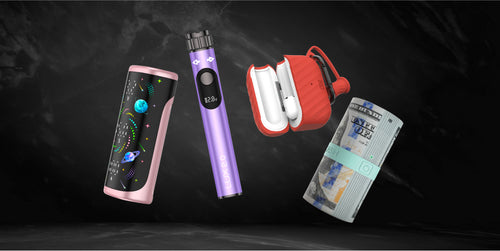

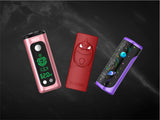
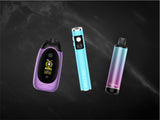
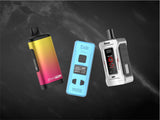

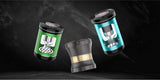










Yocan Ziva 2.0 Dab 510 Thread Battery Manual

Charging the Yocan Ziva 2.0 Dab 510 Thread Battery:
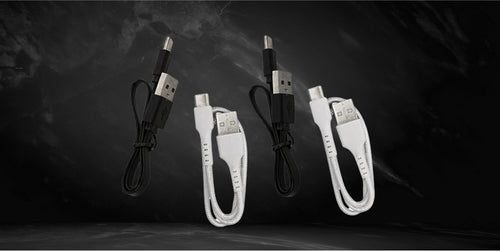
- Get a USB Type-C charging cable and connect it to the port located at the bottom or base of the Yocan Ziva 2.0 Dab 510 Thread Battery.
- Take the other end of the charging cable and connect it to a power brick, and then plug it into a wall socket.
Note: Alternatively, you may connect the charging cable to a desktop, laptop, or a compatible game console to recharge the Yocan Ziva 2.0 Dab 510 Thread Battery. The charging port is located on the bottom part of the device.
Preparing the Yocan Ziva 2.0 Dab 510 Thread Battery:
- Make sure to fully charge the Yocan Ziva 2.0 Dab 510 Thread Battery to get the best results.
- After making sure that the battery is fully charged, hit the power button five times quickly to power on the Yocan Ziva 2.0 Dab 510 Thread Battery.
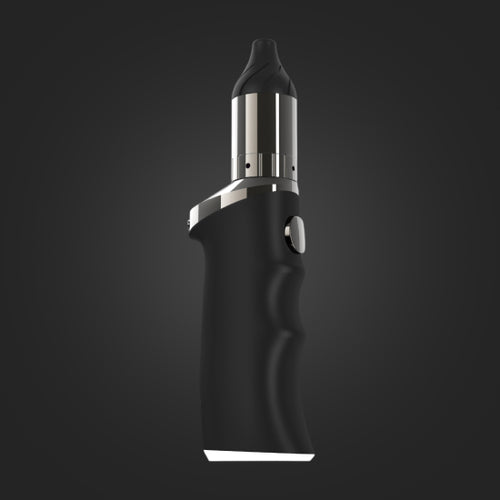
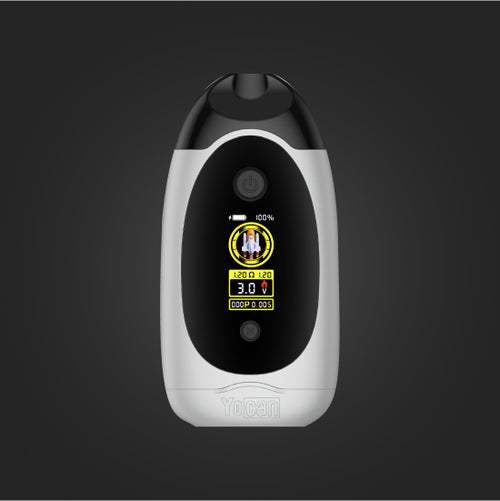
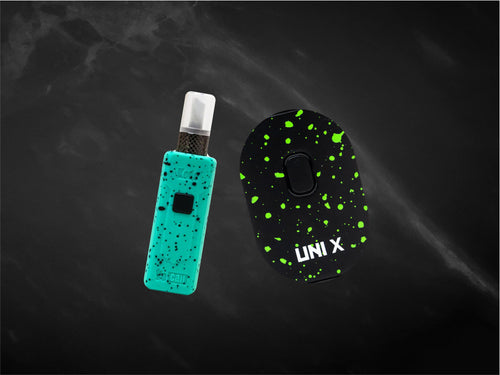
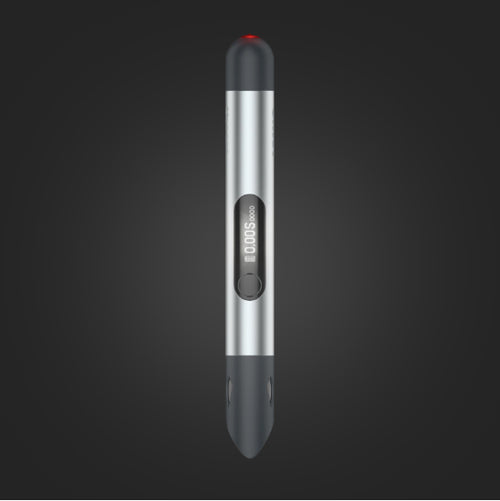
Note: The touch button is the cirular button located right above the TFT screen. You may check the battery level of the Yocan Ziva 2.0 Dab 510 Thread Battery through the same TFT display.
Loading the Yocan Ziva 2.0 Dab 510 Thread Battery:
- Prepare your wax concentrates or oils.
- Load the materials inside the cartridge (not included).
- Remove the body of the vaporizer by pulling it away from the base.
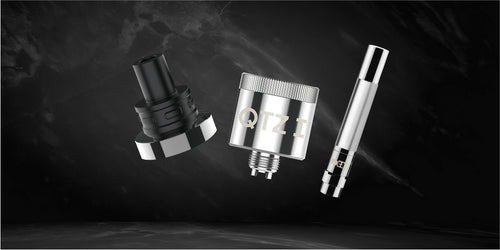
- Screw the cartridge onto the base and secure the threaded connection.
- You may replace the body by putting it back in place and waiting for the end links to lock in place.
Note: Should any issue arise, simply remove the cartridge and replace it.
Replacing the cartridge on the Yocan Ziva 2.0 Dab 510 Thread Battery:
- Make sure that the Yocan Ziva 2.0 Dab 510 Thread Battery is powered off and has cooled down.
- Remove the body.
- Twist the cartridge counterclockwise to loosen it from the base.
- Replace the cartridge by twisting it clockwise.
- Place the body back on top of the base.
Note: The Yocan Ziva 2.0 Dab 510 Thread Battery can accommodate only one cartridge. Avoid twisting the cartridge too much, as it may cause the threads to become loose. Avoid overtightening the cartridges; stop when you feel some resistance in your finger.
Vaping with the Yocan Ziva 2.0 Dab 510 Thread Battery:
- Make sure that you have fully charged the battery of the Yocan Ziva 2.0 Dab 510 Thread Battery, installed your cartridge correctly, and loaded the device with your preferred wax concentrates or oils.
- Press the power button five times quickly to activate the battery.
- Inhale from the mouthpiece to trigger the heating element; or use your preferred mode.
- Repeat this process as necessary or until the extracts in the cartridge are consumed.
Changing the voltage level of the Yocan Ziva 2.0 Dab 510 Thread Battery:
- Make sure that the Yocan Ziva 2.0 Dab 510 Thread Battery is powered on, press the power button five times quickly if it is still powered off.
- Once you have selected your preferred temperature level by selecting either the + or - button, leave the buttons and the device will automatically read your selection.
Note: Increasing the voltage setting will allow the Yocan Ziva 2.0 Dab 510 Thread Battery to produce more vapor that is more potent. Meanwhile, lowering the voltage setting will allow it to produce thinner vapor that is more flavorful.
Yocan Ziva 2.0 Dab 510 Thread Battery Voltage Range:
- From 1.8 volts to 4.2 volts
Removing and Replacing the Body of the Yocan Ziva 2.0 Dab 510 Thread Battery:
- Pull the Yocan Ziva 2.0 Dab 510 Thread Battery’s body until the connection from the base is fully severed.
- Place the mouthpiece and device close together to create a connection.
- Wait for the base and the body to snap back in place.
Note: You can clean the base of the vaporizer when you remove the body. This will help you enjoy clean sessions.
Care and Maintenance of the Yocan Ziva 2.0 Dab 510 Thread Battery:
The Yocan Ziva 2.0 Dab 510 Thread Battery is made with relatively few parts making it a device that’s easy to take care of. Follow the steps below on how you can clean and take care of your Yocan Ziva 2.0 Dab 510 Thread Battery.
- Wipe off any dirt or residue on the Yocan Ziva 2.0 Dab 510 Thread Battery battery using a dry paper towel or some alcohol wipes. Continue to reassemble the vaporizer.
- Follow the charging instructions and use an appropriate charging cable to prolong the life of the Yocan Ziva 2.0 Dab 510 Thread Battery.
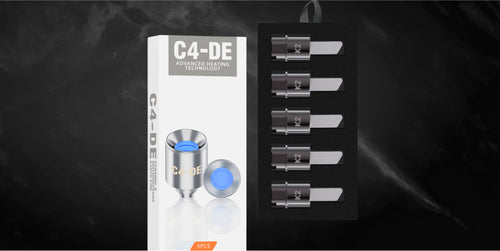
- For maintaining the cartridges, make sure to refrain from using any hard objects to tamper with the heating element. In the event of a damaged cartridge, remove it and replace it with a new one immediately.
- Store it without the cartridge inside as keeping it with a cart in could cause leakage that might lead to water damage.